Your shopping cart is currently empty!
24 Challenge® certificates
Download and print free certificates - scroll down to see them all! Files will be saved to your computer's specified download folder or open in your web browser, depending on your computer's setup. Once the file has downloaded, open it and print. (Note: document size is 11'' x 8.5'' - remember to set your printer for horizontal format.) We recommend Adobe® Reader® software to view PDF documents.
24 Challenge® Certificates
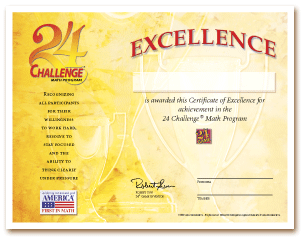
DOWNLOAD NOW (PDF)
Tournament Kit Signature Edition Certificates
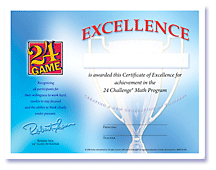
DOWNLOAD NOW (PDF)
24 Challenge® Custom Certificate
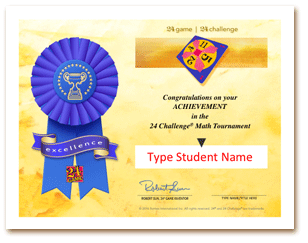
DOWNLOAD NOW (PPT) - Download this document and open in PowerPoint or Keynote. The Student Name and Signature, as well as the Event area are editable. Just make the changes you need and save, or delete those text areas and hand-write names after printing!
First In Math® Custom Certificates
Certificate of Achievement (PPT) - Download this document and open in PowerPoint or Keynote. Just make the changes you need and save.
- - - - - - - - - - -
It is permitted to print these certificates for your school's use only.
Certificates are copyright Suntex
International Inc. All rights reserved. 24® 24 Challenge® and First In Math® are
registered trademarks of Suntex International Inc.